
Guidance
To start printing from uniFLOW Online for windows, you must first log in to the service.
Step 1: Log in to uniFLOW Online
- Go to https://inn.eu.uniflowonline.com/
- Click «Continue with Inland University – INN»
.png)
- Log in with mail address, password + two-factor authentication
.png)
Step 2: Add new printer
Navigate to the toolbar on the left-hand side and click «Start printing»

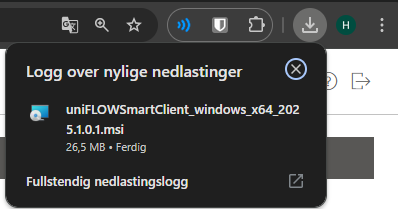
Step 3: Download print driver for Windows

Step 4: Double click installation file
Step 5: Finish Login
- Click «Continue with Inland University – INN»

Step 6: Start uniFLOW client by clicking «Start»

Step 7: Choose «INN Secure Print» when printing
Do you need help?
You can contact IT support by email brukerstotte@inn.no or telephone 62 43 00 03 (weekdays 8:00 AM - 3:30 PM.)