
Download the Microsoft Authenticator app on your phone.
• Download from the App Store.
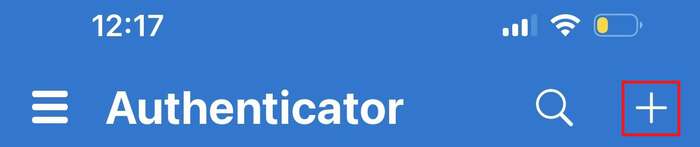
Select the "+" icon in the top right corner to add an account (even if you already have an account).
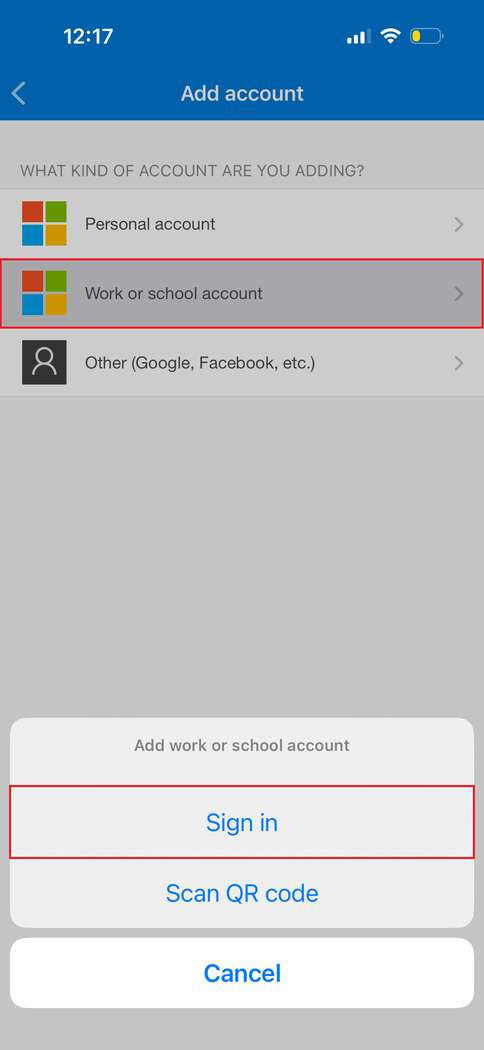
Select "Work or school account" and log in with your college address. In the new login window, enter your email address and password. Verify with two-factor, SMS or number depending on your existing method.
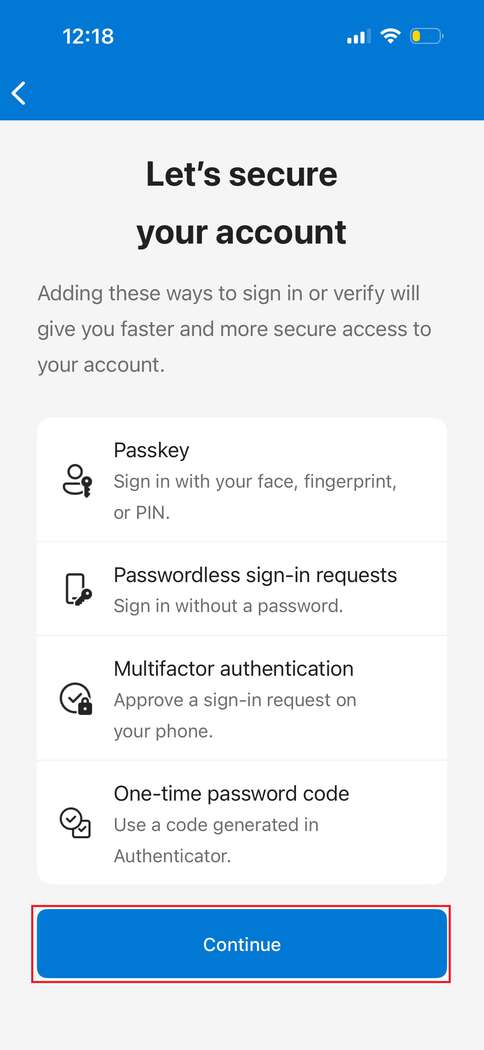
Press Continue.
Press Done
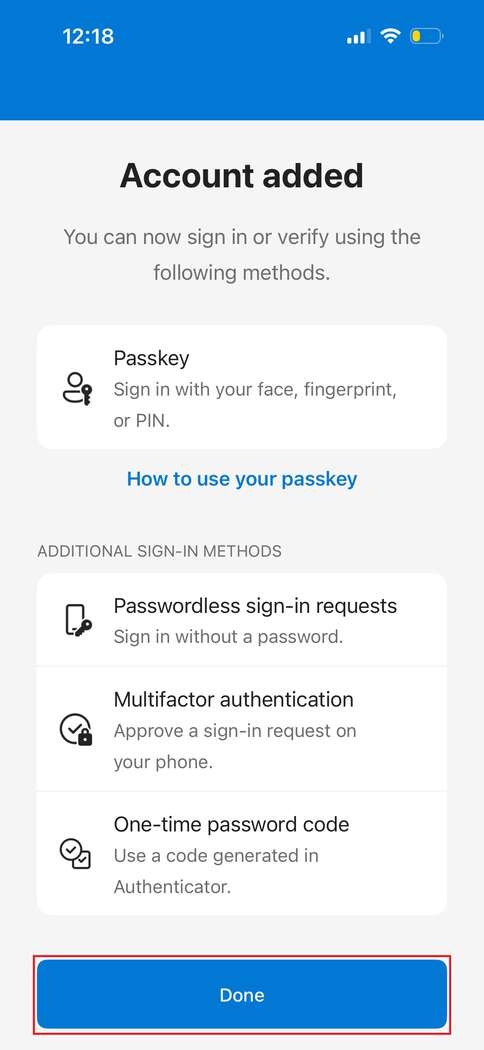
Done! Login without a password is now set up. The next time you need to log in, this is done passwordless.
Passwordless login in Feide

To get passwordless login to services that use Feide, press this button when you are asked to log in with Feide: